Every customer, in one place

Each account brings together its properties, contacts, contracts, visits, estimates, invoices and messages.

Requests arrive from the quote form on your website and from each customer’s own page, and open estimates follow up automatically.

The account

Office and sales start from the customer, not from a pile of separate lists.

One record for the relationship

  • Seasonal contracts on any schedule: weekly, every other week, set dates or a count within a window, with every visit created for you.
  • Letters, newsletters and campaigns sent in your company’s name.
  • Customers, properties and services imported from your current system, with a preview before anything is saved.
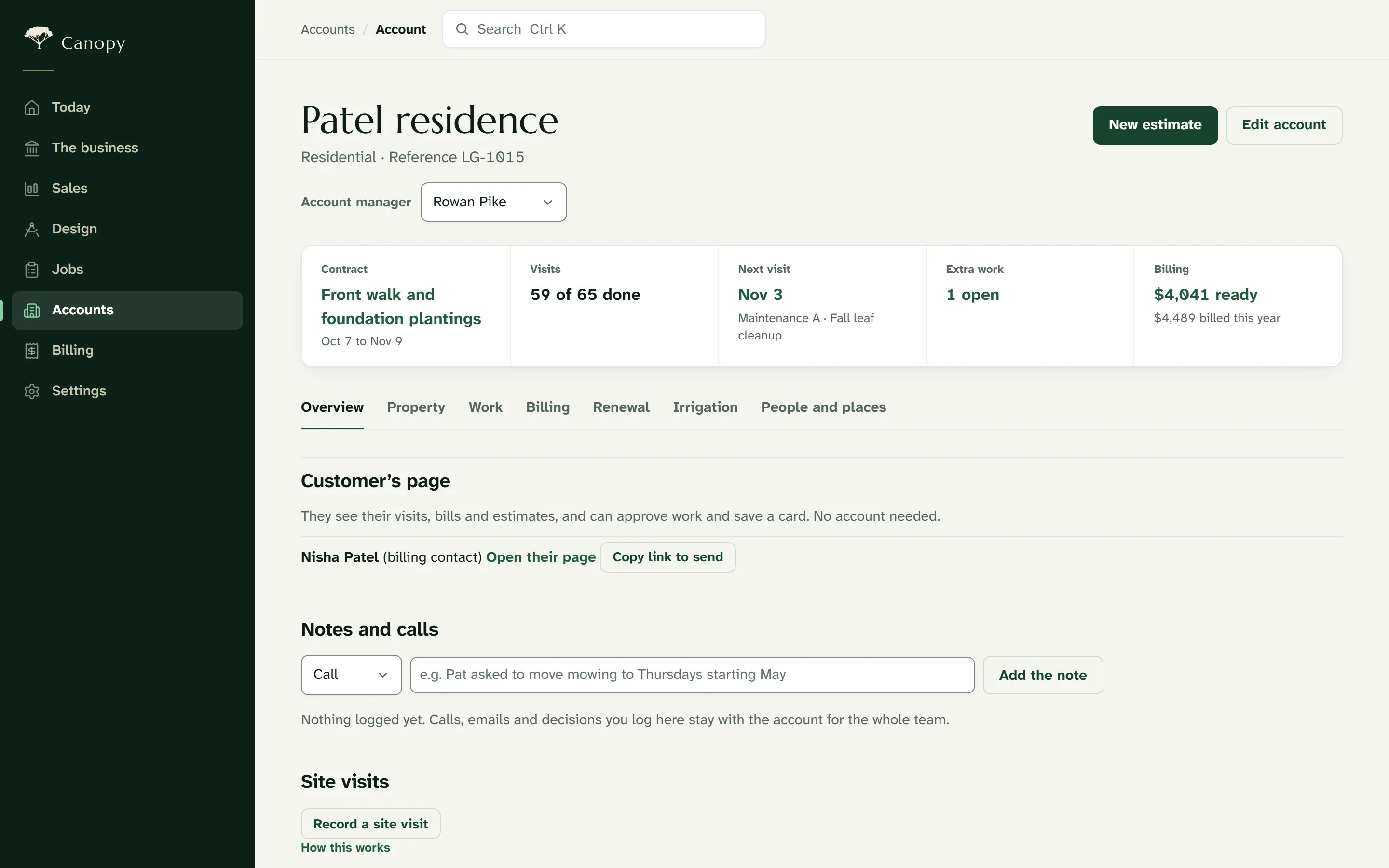
A customer’s account: its contract, visits done, the next visit, open extra work and what’s ready to bill, with tabs for the property, work, billing and renewal.

Your customers

A page for every property

Each customer has a page with their visits, invoices and requests, the plan of what you built, plant care reminders, and a simple way to ask for more work.

Capstone keeps them informed in your company’s name: a reminder before each visit, an on-the-way notice, a short report with photos afterward, and follow-ups on open estimates.

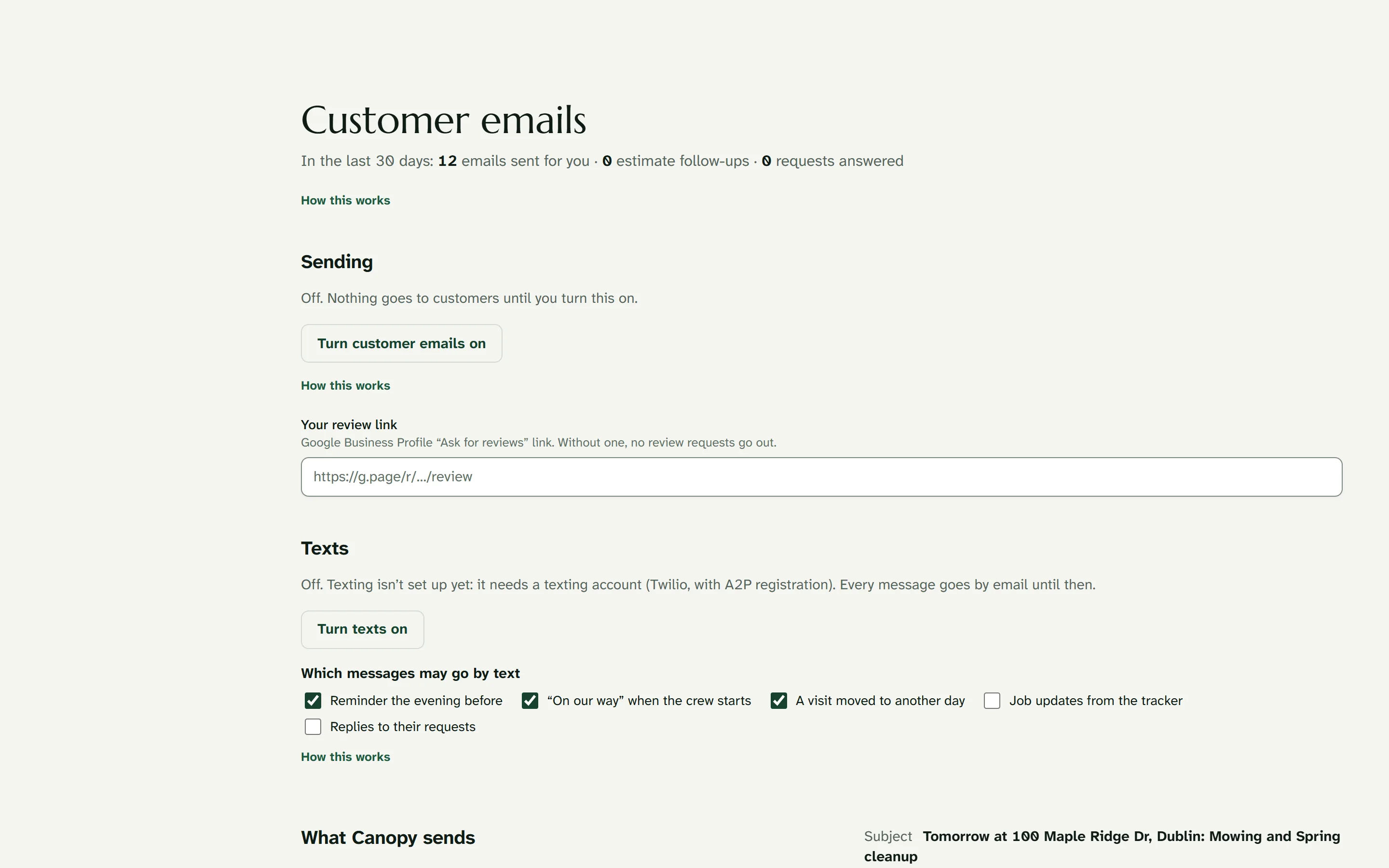
Customer contact: the kinds of email Capstone sends, each with a switch.

Switch without starting over

Capstone imports the customer, property and service lists you export from Jobber, LMN, Aspire, Service Autopilot, SingleOps and QuickBooks, and shows a preview before anything is saved.

The quote form

A form on your own website opens a request on the account. The form is explained on the quote form page.

See Capstone in action

Ask for the demo and you’ll receive a link to Capstone set up as a working landscape company, with a short guided tour. The link arrives by email right away, stays open for 14 days and needs no card. We’ll follow up with pricing.

Try the live demo